
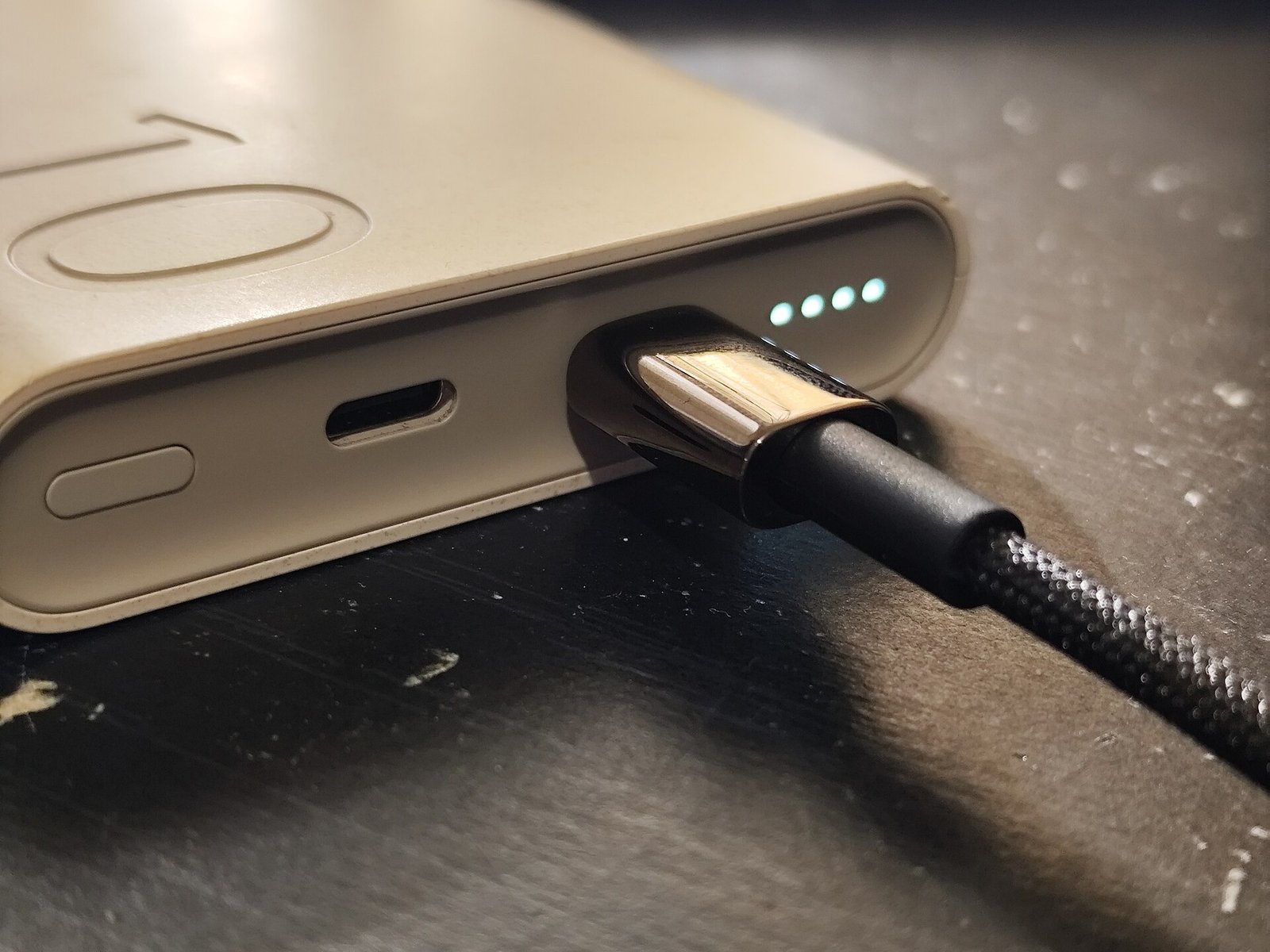
The Short Answer: Why Does My Phone Charge Slowly Overnight
You plug your phone in before bed, confident that you will wake to a full battery. At 3 in the morning you check the screen and it sits at 82 percent. It has barely moved in hours, and the first thought is that something is broken. In most cases nothing is broken. Your phone may be holding its charge on purpose to protect the battery.
The question why does my phone charge slowly overnight has two very different answers. The first is a deliberate pause built into modern phones. The second is a real fault in the charger, the cable, or the battery. A weak charger, a worn cable, a hot room, and background apps can all slow charging too. This guide shows how to tell the two apart, with a simple test you can run tonight.
The 80 Percent Pause Explained
Modern phones try to protect the battery from spending too many hours at a full charge. A battery held at 100 percent all night, every night, ages faster than one that spends most of the night at a lower level. So the phone learns your routine, charges to around 80 percent, waits, and tops up the rest just before you usually pick it up. To you that looks like slow charging. To the phone it is battery care working as designed.
Optimized Charging on iPhone
On an iPhone the feature is called Optimized Battery Charging. When it is on, the phone charges to 80 percent and then waits. It learns when you will need a full charge and finishes charging shortly before that time. To check it, go to Settings and tap Battery, then tap Battery Health and Charging, and look for Optimized Battery Charging. If the switch is on, a pause near 80 percent overnight is expected.
Adaptive Charging on Android
On Android phones the idea is the same under different names. Google Pixel phones call it Adaptive Charging. It learns your alarm and routine, holds the charge, and finishes shortly before your alarm. Samsung phones offer Battery Protection settings that can cap charging or slow the final stage. The setting is usually under Battery in Settings, though the exact path varies by phone maker and Android version.
What A Normal 80 Percent Timeline Looks Like
Picture a typical night. You plug in at 11 at night at 35 percent. By midnight the phone reaches 80 percent. It holds near 80 percent for hours while you sleep. Around an hour before your alarm it resumes and reaches close to 100 percent by the time you wake. If you check at 3 in the morning you will see 80 percent or 82 percent and think nothing is happening. In fact the phone is waiting on purpose.
How To Tell A Normal Pause From A Real Fault
Start with the morning number and the feel of the phone. A normal pause gives you a full or nearly full phone in the morning and a cool phone. A real fault gives you a phone still well short of full in the morning, a phone that feels warm after hours on the charger, or a charge level that barely moves even in the first hour after you plug in.
- A charge level that barely rises in the first hour after you plug in
- A phone still far from full in the morning after a full night plugged in
- A phone, charger, or cable that feels hot during charging in a cool room
- A battery level that falls while the phone is plugged in and idle
- A loose connection that stops and starts charging when the cable moves
Your Charger May Be Too Weak
A charger that is too weak is the most common real cause of slow overnight charging, and it is easy to miss. Many people keep an old charger from a much older phone, or use a charger meant for a small device such as wireless earbuds. That charger may still work, but it delivers power slowly. Over a full night a weak charger can fall behind, especially if the phone is doing background work while it charges.
How To Check Charger Wattage In Plain Language
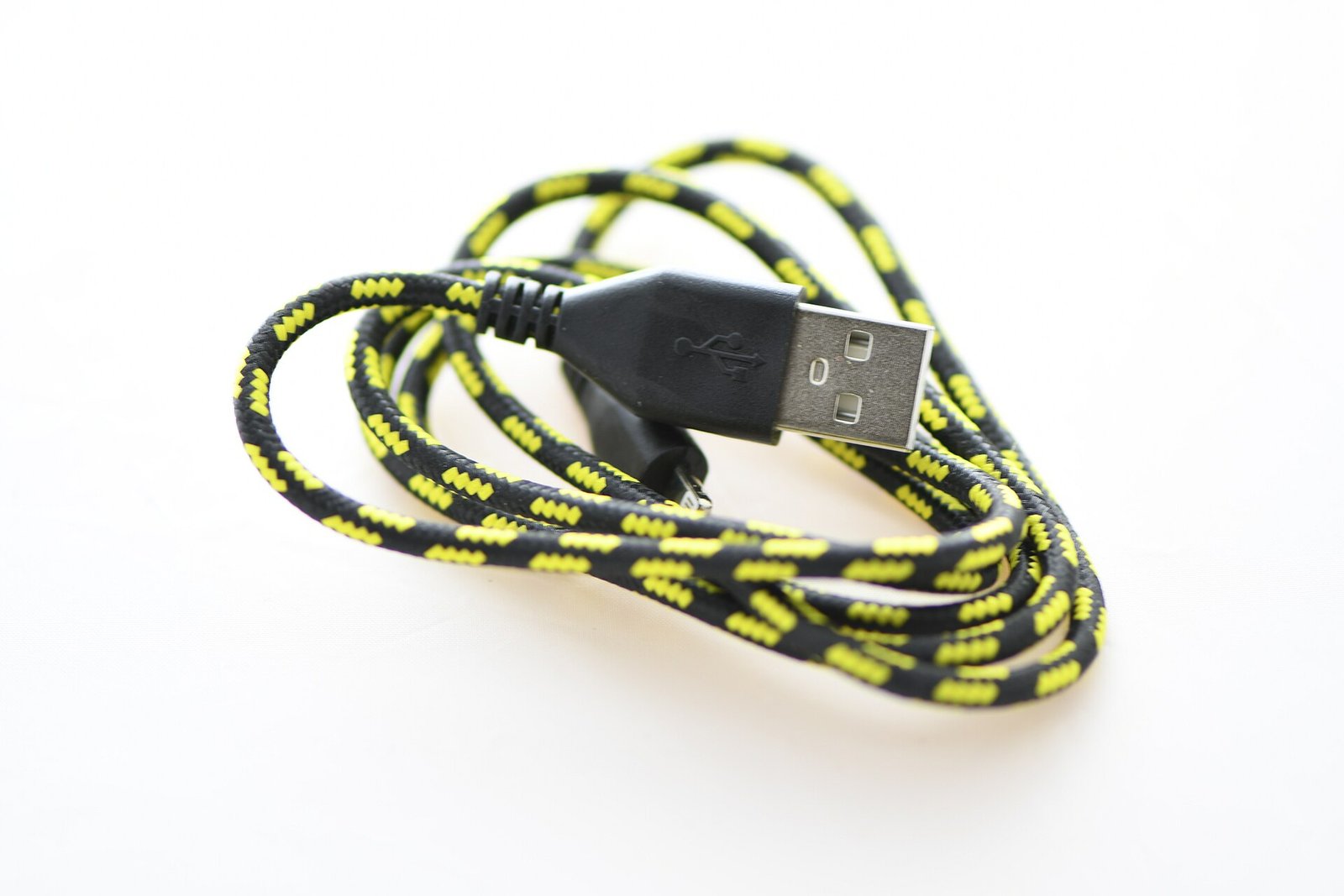
Every charger has its output printed in tiny text on the charger itself. Look for a line that says Output, followed by volts and amps, or a watt number. A 5 watt charger is slow by modern standards and can take many hours to fill a modern phone. A 20 watt charger is a sensible minimum for most modern iPhones and Android phones, and many phones accept faster charging than that with a suitable charger and cable.
Do the maths in a simple way. If the label shows volts and amps but no watt number, multiply the two numbers. A charger labelled 5 volts and 1 amp delivers 5 watts, while 9 volts and 2 amps delivers 18 watts. If you are using a slow 5 watt charger, that alone can explain a slow overnight charge.
Your Cable May Be The Problem
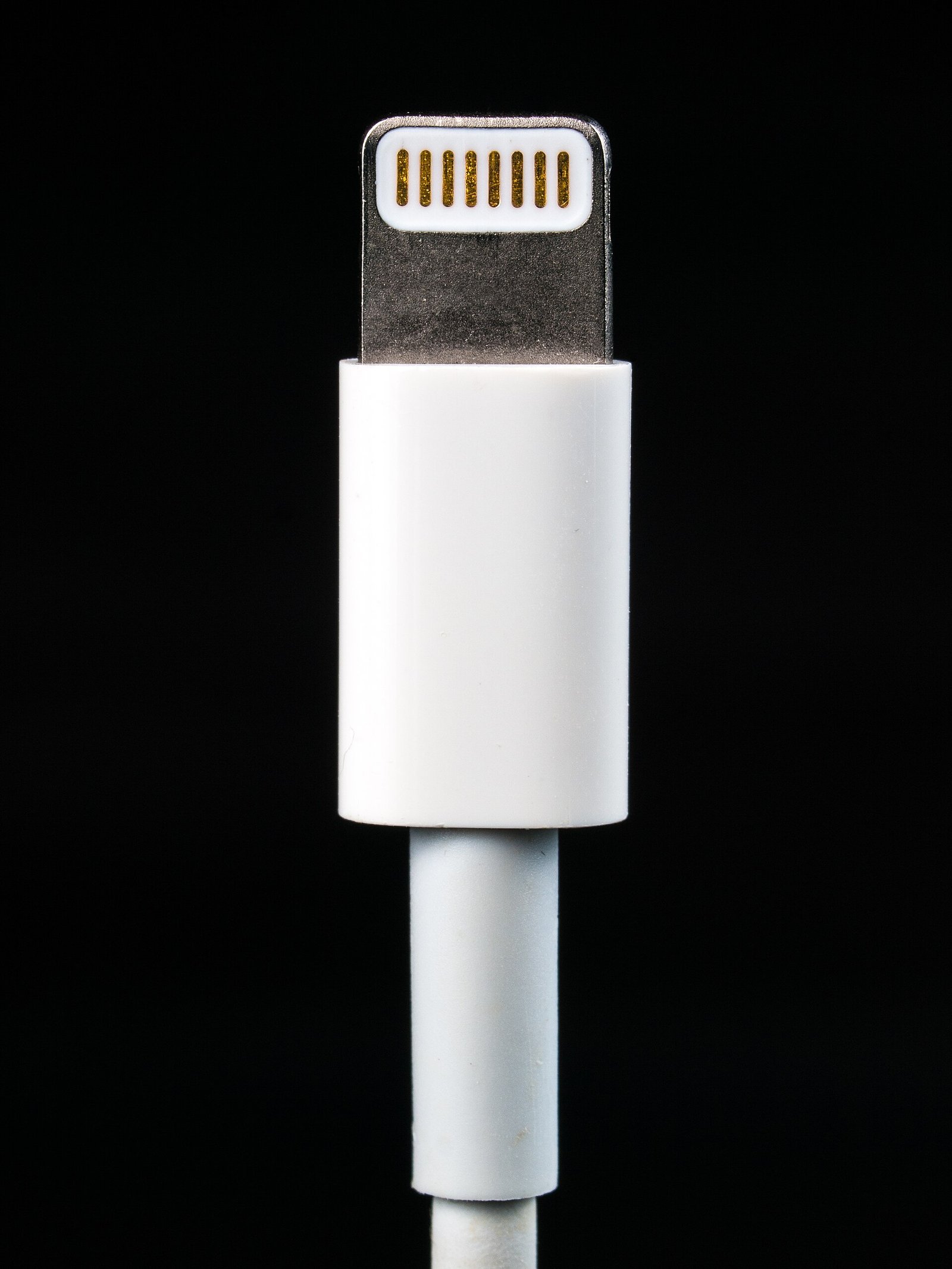
Cables fail quietly. A cable that looks fine can have a broken wire inside, a bent connector, or corrosion on the contacts that you cannot see. It may still charge, but slowly, or it may stop and start as the phone moves on the bedside table. Look for fraying near the plug, a connector that feels loose, a plug that needs wiggling to start charging, and discoloration on the metal contacts. A cable that only works at one angle is already failing.
The Cable Swap Test
The cable swap test is simple and decisive. Charge with a different cable that you know is in good condition, using the same charger and the same wall outlet, and note how far the phone gets in one hour. Then repeat with the suspect cable. If the good cable charges clearly faster, the suspect cable is the problem. Keep the phone idle with the screen off for a fair test.
Heat Slows Charging More Than You Think
Heat slows charging on purpose to protect the battery. A phone under a pillow, under bedding, or in a thick case will charge more slowly than the same phone on a cool, open surface, so use a hard, flat bedside table and take the case off for the test night.
A phone that feels hot to the touch after an hour on the charger is telling you something. Check whether the heat is coming from the phone, the charger, or the cable. A hot charger can be a sign of a failing charger. The same care about heat applies to other devices, as explained in this guide about why a laptop gets hot and shuts down. Do not keep charging a phone that becomes very hot, swells, or smells unusual. Unplug it and seek professional advice.
Background Activity And Battery Drain Overnight
A phone never truly sleeps while it charges. It checks mail, updates apps, backs up photos, and refreshes content in the background. Normally that work uses little power. If a single app is stuck, if a large backup runs every night, or if the phone has poor signal and keeps searching for a network, background activity can eat a large share of the charging power. The result looks like slow charging, but the charger is fine and the phone is simply busy.
Check battery use by app in Settings and restrict any app that drained battery overnight. This quiet drain and retry pattern is similar to the pattern in this explanation of why a TV keeps disconnecting from WiFi.
An Aging Battery Charges Differently
Every rechargeable battery ages. After hundreds of charge cycles, a battery holds less charge than it did when new, and it may charge more slowly in the final stage. Battery age shows in daily use first. The phone may drop from 30 percent to empty very quickly, shut down in the cold, or need a top up by mid afternoon even with light use. If you see those signs alongside slow overnight charging, check battery health before you buy a new charger.
How To Check Battery Health
On an iPhone, go to Settings and tap Battery, then tap Battery Health and Charging. Look at Maximum Capacity. A new phone shows 100 percent. A phone at 80 percent or below has lost a fifth of its original capacity, and a replacement is worth considering. On Android the path varies by maker, and some phones show no health percentage at all.
The Overnight Test You Can Run Tonight
This test separates a normal pause from a real fault in one night, with no purchases and no special tools. Run it on a night when you do not need the phone early, so you can read the result in the morning without rushing. The setup takes about five minutes. Note the charge level when you plug in, take the case off, and put the phone on a cool bedside table.
- At bedtime, note the starting charge level, the time, and the charger and cable you are using
- Check that optimized charging or adaptive charging is on, so a pause near 80 percent is expected
- Put the phone on a cool, flat surface with the case off and leave it idle with the screen off
- If you wake during the night, note the time and the charge level once, then leave the phone alone
- In the morning, note the final charge level, the time, and whether the phone feels cool, warm, or hot
- Check battery use by app to see whether one app used a large share of battery overnight
- Repeat the test on a second night with a different cable or charger if the first result is unclear
Read the result with the timeline picture in mind. If the phone reached 80 percent in good time and finished near full by your wake time, the pause was normal and you need no fix. If the phone is still far from full, check how far it got in the first hour. A slow first hour points to the charger or cable. A phone that feels hot points to heat or a failing charger or cable.
What To Do If The Test Shows A Real Fault
Fix the cheapest and easiest cause first. Replace a damaged cable with a good quality cable of the right type. Replace a 5 watt charger with a charger rated for your phone. Charge on a cool surface without a thick case. Restrict the background activity of any app that drained battery overnight. Each fix is small, and together they solve most slow overnight charging without a repair visit.
- Replace a frayed, loose, or angle dependent cable with a good quality cable
- Replace a slow 5 watt charger with a reputable charger rated for your phone
- Charge on a cool, flat surface with the case off for a test night
- Restrict background activity for any app that used a large share of battery overnight
- Turn off the 80 percent pause for one test night only, to confirm the pause was the cause
When To Replace A Cable, Charger, Or Battery
Replace a cable when it is frayed, loose, works only at one angle, or fails the swap test. Replace a charger when it is a very old low wattage block or fails the swap test. Replace a battery when health is at 80 percent or below and the test is slow even with a good charger, a good cable, and a cool surface. A reputable repair shop can confirm battery wear safely.
Conclusion: Why Does My Phone Charge Slowly Overnight
The answer to why does my phone charge slowly overnight is usually reassuring. Most phones pause near 80 percent on purpose, to protect the battery, and then finish charging before you wake. That pause looks like a fault at 3 in the morning, but it is a feature working as designed. A real fault looks different, and it leaves clues in the morning number, the heat of the phone, and the first hour of charging.
Run the overnight test before you buy anything. Note the starting level, charge on a cool surface with the case off, calm background activity, and read the morning number against the 80 percent timeline. If the pause is normal, leave battery protection on. If the test shows a slow first hour, swap the cable, then the charger, one at a time. That simple sequence finds the cause in most cases, and saves you money and worry.
Frequently Asked Questions
Why does my phone stop at 80 percent overnight?
It is usually optimized charging or adaptive charging at work. The phone holds at around 80 percent to reduce battery aging, then finishes shortly before your usual wake time. If the phone is full in the morning, the pause is normal.
Is it bad to leave my phone plugged in all night?
Leaving a modern phone plugged in all night is generally fine, because the phone manages charging and the pause limits time spent at full charge. Charging on a cool surface with a good charger and cable is the safest nightly routine.
Why is my phone only at 82 percent at 3 in the morning?
That reading often means the phone reached 80 percent and is waiting for your usual wake time. Check again in the morning. If it is full by your wake time, nothing is wrong.
Does a cheap cable slow charging?
Yes, a damaged or very low quality cable can slow charging or stop it altogether. Run the cable swap test with a known good cable, the same charger, and the same outlet. If charging is faster, replace the suspect cable.
Should I turn off optimized charging to charge faster?
Only turn it off for one test night or an unusual early start. For a normal routine, leave it on. It protects long term battery health, and the phone will still reach full charge by your usual wake time.

1 Comment
Pingback: Fix a Loose Phone Charger Cable That Falls Out