
You walk downstairs in the middle of the night for a glass of water, and the living room is glowing. The TV is on, playing to an empty room, and nobody in the house touched the remote. If you are wondering how to stop smart tv turning on by itself, you are not alone, and the good news is that the cause is almost always a setting or a signal from another device, not a fault in the TV itself.
A smart TV is designed to listen for wake up signals. A games console, a streaming stick, a soundbar, a phone app, or even a scheduled update can send one. The trick is to find which signal is waking your TV before you start changing settings at random. This guide walks you through a short diagnosis first, then the seven fixes that solve the problem in most homes, with the exact menu paths for Samsung, LG, Sony, Vizio, and TCL.
Why Your Smart TV Turns Itself On
Modern TVs spend their standby time half awake. They keep a small part of the set powered so they can receive updates, respond to a voice assistant, and switch on quickly when you press a button. That convenience comes with a side effect: anything that sends the right signal can wake the set. The most common triggers are listed below, and one of them is almost certainly behind your problem.
- HDMI CEC: a connected device tells the TV to switch on. This is the number one cause.
- A power on timer or sleep timer that was set by accident, or left on after a guest used the TV.
- Network wake features such as Wake on LAN, Quick Start, or Mobile TV On, which let a phone or router wake the set.
- A stuck button on the remote, weak batteries, or a signal from another remote in the room.
- A smart home routine or voice assistant command that runs on a schedule.
- A firmware bug, or a power cut that makes the TV restart when the power returns.
Start With a Short Diagnosis Before You Change Anything
Changing settings at random wastes time and can turn off features you like. Spend five minutes on this simple test instead. It tells you whether the trigger is a connected device, the remote, or the TV itself.
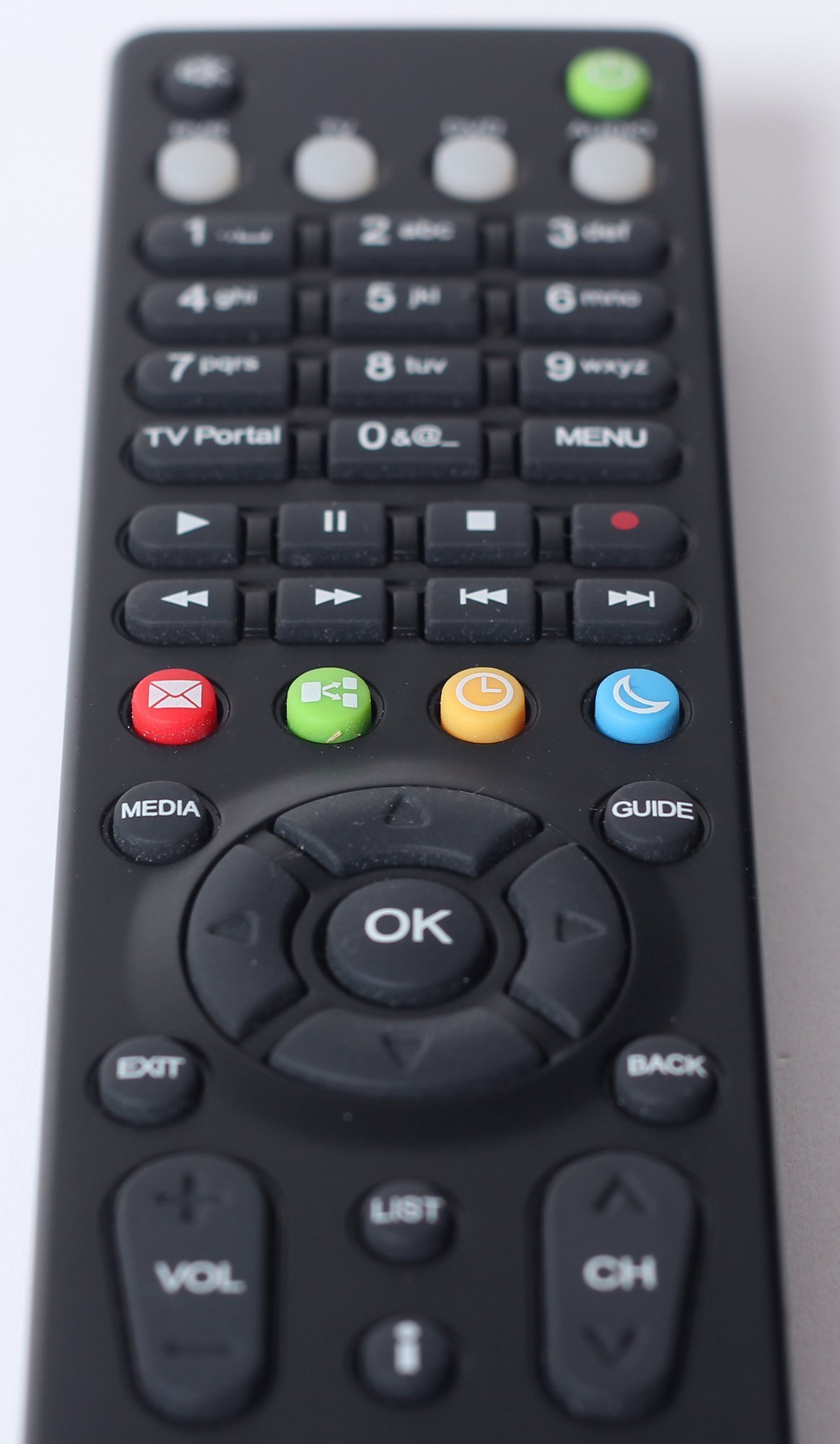
First, take the batteries out of the remote and leave them out overnight. If the TV stays off, the remote was the problem. A stuck power button or a remote that sends signals on its own is a cheap fix, and it is far more common than people think.
Second, unplug every HDMI device from the TV: the games console, the streaming stick, the soundbar, the cable box, and the Blu ray player. Leave the TV plugged in and on standby overnight. If it stays off, one of those devices was waking it. Plug them back in one at a time, one per night, until the TV turns itself on again. The last device you plugged in is the culprit.
Third, if the TV still switches on with the remote batteries out and nothing plugged into the HDMI ports, the trigger is inside the TV: a timer, a network wake setting, a smart home routine, or a firmware fault. Work through the fixes below in order, and test after each one.
How to Stop Smart TV Turning On by Itself With HDMI CEC
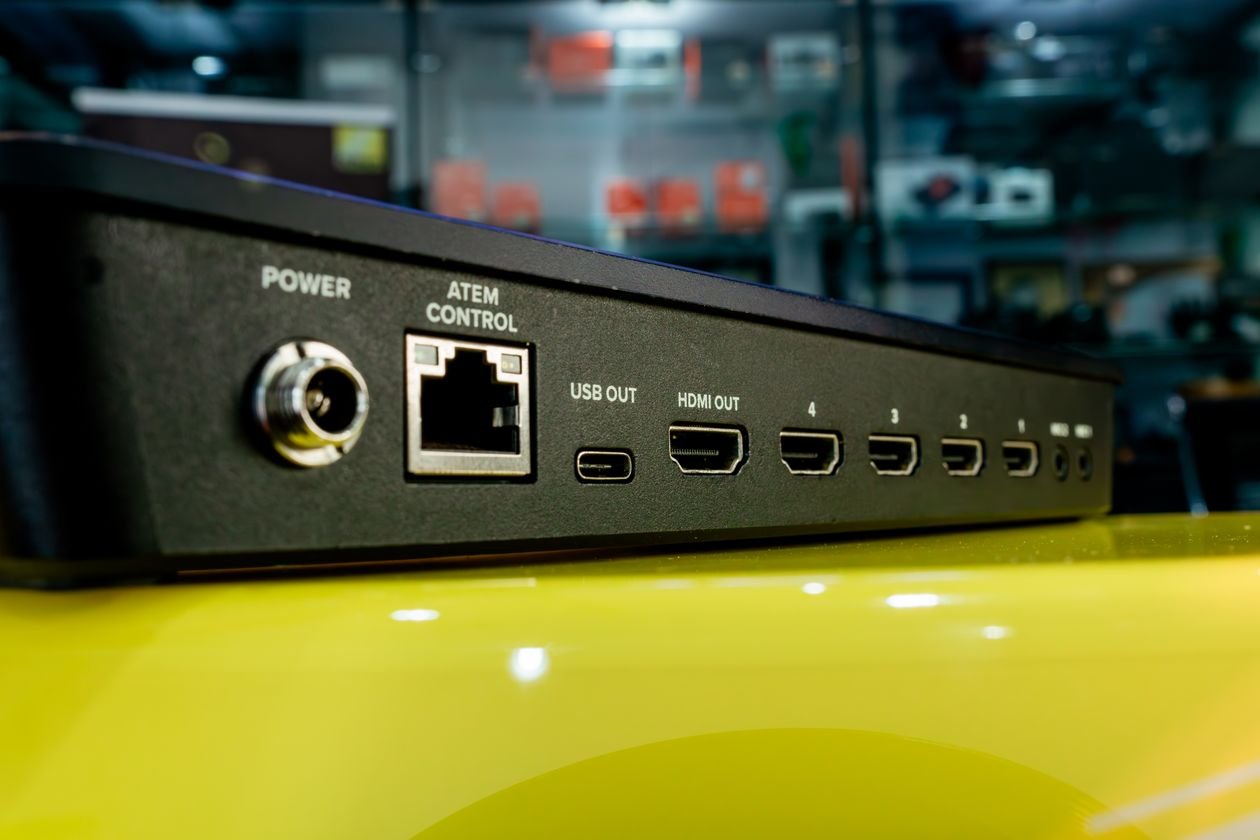
HDMI CEC is a feature that lets devices connected by HDMI control each other. When your games console wakes from standby, it can send a power on command to the TV. When you switch on a streaming stick, the TV can follow. The feature has a different name on every brand, which is why it is so easy to miss.
Turning CEC off stops connected devices from waking the TV. You lose one convenience: the TV will no longer switch itself on when you start the console, and the console remote may no longer control the volume. For most people that is a small price for a TV that stays off at night.
Samsung
Go to Settings, then General, then External Device Manager, and turn off Anynet+ (HDMI CEC). On older Samsung sets the path is Settings, then System, then Anynet+ (HDMI CEC).
LG
Go to Settings, then All Settings, then General, then Devices, and turn off SimpLink (HDMI CEC). On some LG sets the path is Settings, then General, then SimpLink.
Sony
Go to Settings, then Watching TV, then External Inputs, then HDMI CEC Settings, and turn off BRAVIA Sync. On Android TV Sony sets, look under Settings, then Channels and Inputs, then External Inputs.
Vizio
Go to Menu, then System, then CEC, and set it to Off. Some Vizio sets list it under Menu, then System, then CEC Settings.
TCL and Roku TV
Go to Settings, then System, then Control Other Devices (CEC), and uncheck the options for auto power on. On Roku TV sets the path is Settings, then System, then Control Other Devices.
If you use CEC every day and do not want to lose it, try a narrower fix first. Most brands let you turn off auto power on while keeping CEC volume control. If your set has that option, use it. If the TV still wakes up, turn CEC off completely for a week and see whether the problem stops.
Turn Off Timers and Scheduled Power On
Many TVs can switch themselves on at a set time, just like an alarm clock. The setting is easy to turn on by accident, often while someone is exploring the menus, and it is easy to forget. If your TV turns on at the same time every day, a timer is almost certainly the cause.
On Samsung sets, go to Settings, then General, then System Manager, then Time, and check the On Timer. Turn it off. On LG sets, go to Settings, then All Settings, then General, then Timers, and check both the Power On Timer and the Sleep Timer. On Sony sets, go to Settings, then System, then Timers, and check the On Timer. On Vizio and TCL sets, look under Timers or Power settings for any scheduled power on.
Also check the sleep timer, which switches the TV off, not on. It is not your problem, but while you are in the menus it costs nothing to confirm that only the timers you want are active. Write down the time your TV switches on for a few nights. A timer fault shows a clear pattern: the same time, every day, to the minute.
Stop Network Wake Ups and Fast Startup Modes
Smart TVs can wake when they receive a signal over your home network. A phone app, a router update, or a casting request can all do it. The settings that allow this have different names, but they all do the same job: they keep the TV listening while it looks switched off.
On Samsung sets, go to Settings, then General, then Network, and turn off Wake on LAN and any setting called Power On With Mobile. On LG sets, go to Settings, then All Settings, then General, then Network, and turn off Mobile TV On. Also look for Quick Start+ under General settings and turn it off. On Sony sets, go to Settings, then Network and Internet, and turn off Wake on LAN and Remote Start. On Vizio sets, go to Menu, then System, then Power Mode, and change Quick Start Mode to Eco Mode. Eco Mode uses less power and stops the TV listening for network wake signals.
If the TV turns itself on soon after a power cut, the cause may be simpler. Some sets are designed to return to their last state when power is restored, so a TV that was on when the power failed will switch itself back on. Check the power settings for an option called Power On After Power Failure or AC Power Recovery and set it to Stay Off if that option exists.
A TV that keeps losing its network connection can also behave oddly at night, so if your set drops off WiFi regularly, the guide on why your TV keeps disconnecting from WiFi explains how to steady the connection. The same kind of fault affects laptops too, as explained in the guide on why WiFi drops only on a laptop and not on a phone.
Check the Remote Control and the Room Around It
A remote with a stuck power button can send a power on signal again and again, often in the middle of the night when the house is quiet and nobody is watching. Weak batteries can do the same thing, because a dying remote can send random signals as the voltage drops. The test is simple: take the batteries out for a night, as described in the diagnosis above. If the TV stays off, you have found the cause.
Check the buttons by pressing each one and feeling for a button that sticks down or feels soft compared with the others. Clean around the power button with a dry cloth and, if the remote uses removable batteries, fit a fresh pair. If the remote is old or has been dropped, a replacement remote costs far less than a repair visit.
Also look around the room. A second remote, a universal remote, or a remote in another room can send signals through a doorway. Sunlight falling on the TV sensor in the morning can wake some sets, and a pet stepping on a remote left on a sofa cushion is a classic cause that nobody believes until it happens to them.
Unplug Connected Devices One at a Time
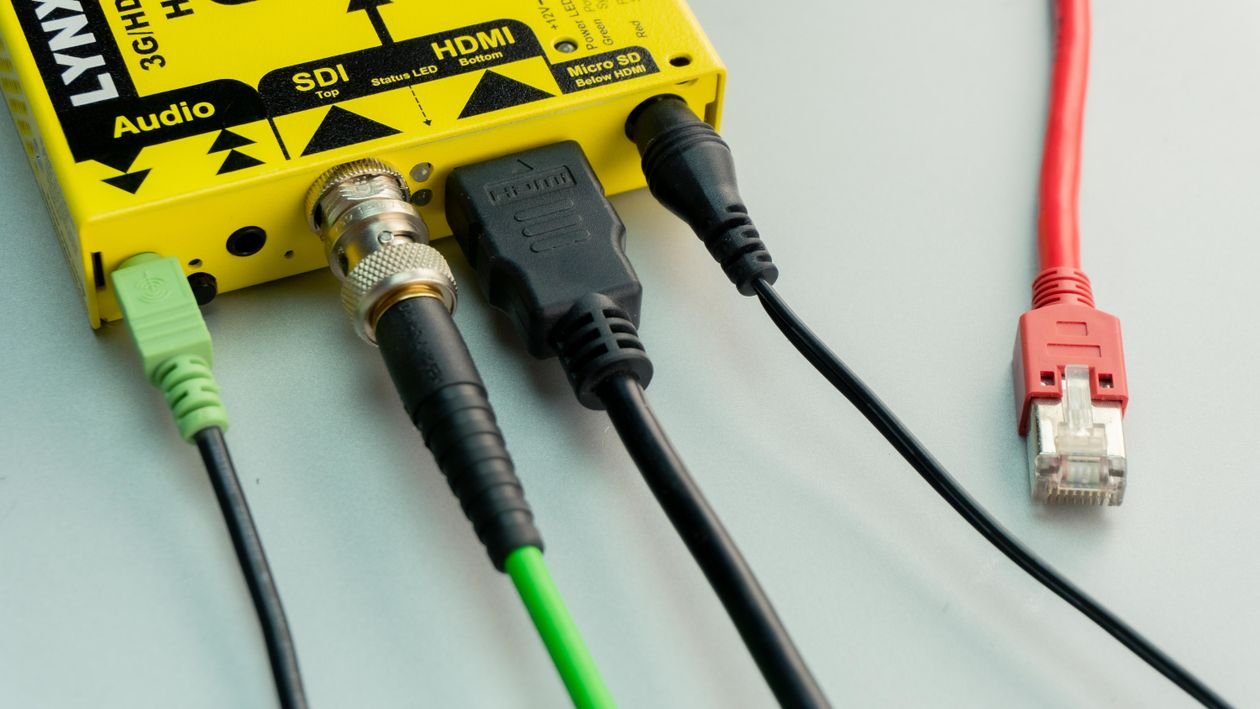
Games consoles are the most common device trigger. A console set to download updates overnight wakes itself, and through HDMI CEC it wakes the TV too. Streaming sticks, cable boxes, and soundbars can do the same. A soundbar that receives a Bluetooth signal from a phone in another room may wake and pass the signal on to the TV.
The one at a time test from the diagnosis is the reliable way to find the device. Unplug them all, then plug them back in one per night. When the TV turns itself on again, you have found the device. Then open that device settings and turn off its own auto power on or HDMI control. On a PlayStation, look under Settings, then System, then HDMI, and turn off Enable HDMI Device Link. On an Xbox, look under Settings, then General, then Power Options, and turn off the options that let the console wake the TV. On a streaming stick, look for HDMI CEC or Device Control in its settings and turn it off.
A related problem is a smart plug or a power strip that cuts power and restores it, which some TVs treat as a signal to switch on. If your TV is plugged into a smart plug or a timer plug, check its settings, and read the guide on why a smart plug keeps turning off if the plug itself behaves oddly.
Check Smart Home Routines and Voice Assistants
If your TV is linked to Alexa, Google Home, or Apple Home, a routine can switch it on without anyone touching a remote. Routines are easy to set up and easy to forget, and a routine that was meant for a lamp can end up controlling the TV if the devices were grouped together.
Open the Alexa app and look under More, then Routines, for any routine that includes the TV. Do the same in the Google Home app under Automations, and in the Apple Home app under Automation. Turn off or delete any routine that mentions the TV, then watch for a night. Also check for a good morning or good night routine that a family member set up months ago.
Voice assistants can also mishear a sound. A television in another room, a video playing on a phone, or a conversation that includes a word close to the wake word can trigger a command. If the TV turns on during a video call or while another TV is playing, move the voice assistant speaker further from the TV or turn off its ability to control the TV.
Update the Firmware and Check for a Software Fault
A firmware bug can make a TV wake at random, and manufacturers do fix these bugs. Check for an update under Settings, then Support, then Software Update on Samsung sets; Settings, then All Settings, then General, then About This TV, then Check for Updates on LG sets; and Settings, then System, then About, then System Software Update on Sony and TCL sets. Install any update, then leave the TV on standby and see whether the problem stops.
If the TV is already up to date and the problem started after a recent update, a fault in the new software is possible. In that case, note the date the problem began and check the manufacturer support pages to see whether other owners report the same issue. A factory reset can clear a corrupted setting, but it erases your apps and logins, so keep it as a last step before calling for repair. To reset a Samsung set, go to Settings, then General, then Reset. On LG sets, go to Settings, then All Settings, then General, then Reset to Initial Settings. On Sony sets, go to Settings, then System, then Reset. Set the TV up again from scratch and do not restore old settings, then test for a night before you sign back in to every app.
The Overnight Test That Proves the Fix
A fix only counts if the TV stays off all night. After each change, run this simple test. Turn the TV off with its own power button, not the remote, and note the time. Leave the remote batteries out and the connected devices unplugged if you are testing one of those fixes. In the morning, check whether the TV is on.
If it stayed off for one night, the fix is probably right, but test for three nights before you call the job done. Some triggers, such as a weekly scheduled update or a console that downloads once a week, only happen on certain days. Three quiet nights in a row is a solid result.
Keep a short note of what you changed and when. If the problem comes back months later, that note tells you exactly what to check first, and it saves a repair visit if you can tell the technician what you have already ruled out.
When to Call a Repair Shop
If the TV still turns itself on with the remote batteries out, nothing plugged into the HDMI ports, all timers off, network wake off, and the firmware up to date, the fault is probably in the hardware. A failing power supply board can send false power on signals, and a damaged sensor can read a signal that is not there.
Check whether the TV is still under warranty before you book a repair. A main board fault on a TV under five years old is often worth fixing, while a repair that costs more than half the price of a new set usually is not. If the TV is old and the repair quote is high, a smart plug that cuts power overnight is a cheap workaround, but never use it as a fix for a TV that smells of burning or shows marks around the vents. Unplug a TV like that at once and call a repair shop.
What to Remember When Your TV Turns Itself On
Learning how to stop smart tv turning on by itself comes down to three ideas that are easy to remember. First, the TV is reacting to a signal, so find the signal before you change settings. Second, HDMI CEC is the cause in most homes, and turning it off or limiting it fixes the problem in minutes. Third, test every fix with three quiet nights before you move on.
Start with the remote batteries and the HDMI plugs, then work through timers, network wake, smart home routines, and firmware. In most homes the answer is found in the first two steps. Your living room should be dark and quiet at night, and with the right setting changed, it will be again.
Frequently Asked Questions
Why does my smart TV turn on by itself at night?
The most common reason is HDMI CEC: a connected device such as a games console or streaming stick wakes up and tells the TV to switch on. Timers, network wake settings, and a stuck remote button are the next most likely causes.
Is it dangerous when a TV turns itself on?
In most cases it is not dangerous, just annoying and wasteful. Unplug the TV at once if you smell burning, see smoke, or notice scorch marks, and call a repair shop instead of using the set.
Can a neighbor remote turn on my TV?
It is unlikely with a modern remote, which uses a coded infrared signal, but a universal remote or a remote in the next room can sometimes trigger a set if it uses the same code. Test by removing the batteries from your own remotes for a night.
Does turning off HDMI CEC stop the problem?
In most homes, yes. HDMI CEC is the main route by which other devices wake a TV. Turn it off for a week and see whether the TV stays off. You can turn it back on later if you miss the convenience.
How do I stop my Samsung TV from turning on by itself?
Turn off Anynet+ under Settings, then General, then External Device Manager. Then check the On Timer and turn off Wake on LAN and Quick Start+. Test for three nights to confirm the fix.
