
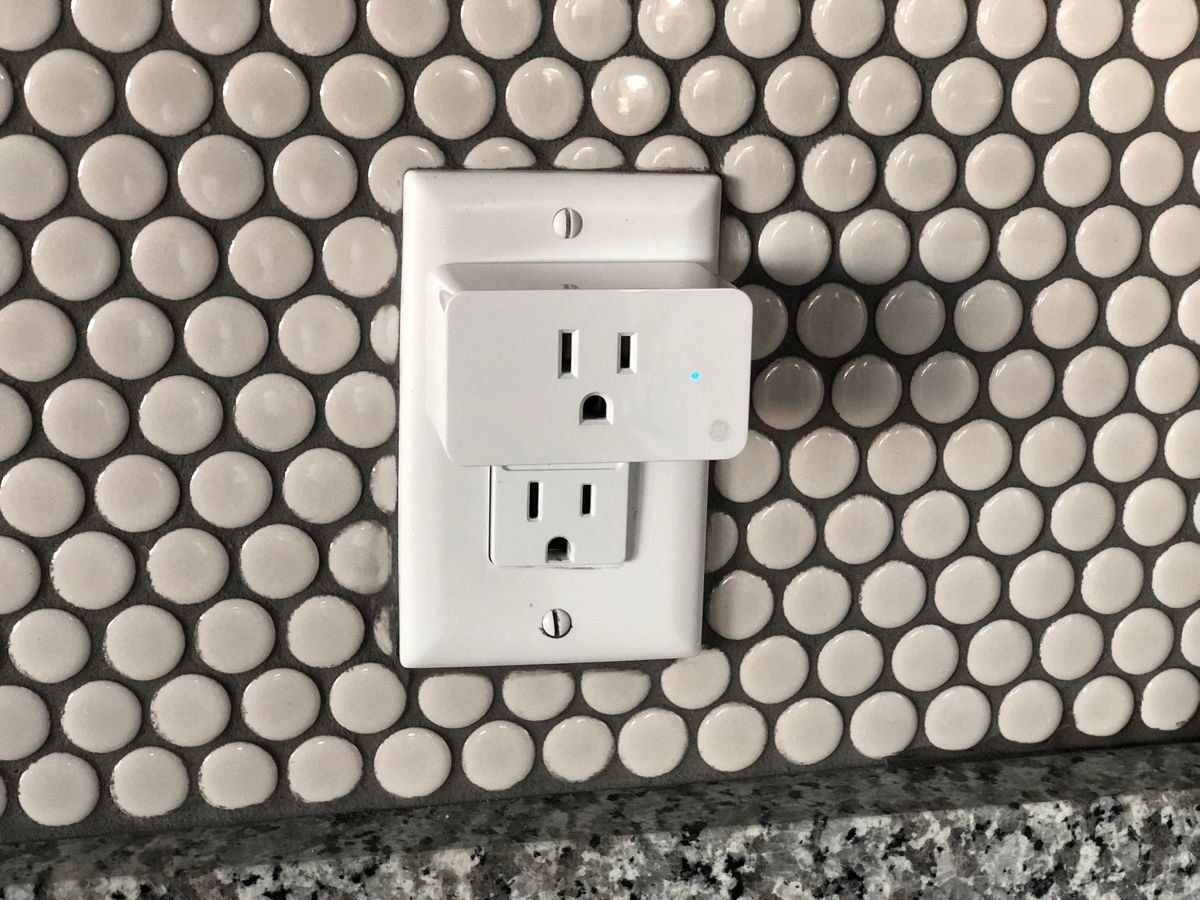
It is 9 at night and the living room lamp just went dark again. You did not touch the switch. You did not open the app. The smart plug simply decided the evening was over, and now you are standing in a dark room wondering whether the plug is broken, haunted, or quietly trying to tell you something.
If that scene sounds familiar, you are not alone. The question why does my smart plug keep turning off is one of the most common smart home complaints, and the answer is almost never a single dramatic failure. In most homes the cause is small, boring, and easy to fix once you know where to look. A forgotten schedule, a lamp that draws more power than the plug allows, or a weak wifi signal can all switch a plug off without warning.
This guide walks through the causes in the order that wastes the least time. Start at the top, stop as soon as the plug behaves, and you will usually find the answer within ten minutes.
Why Does My Smart Plug Keep Turning Off
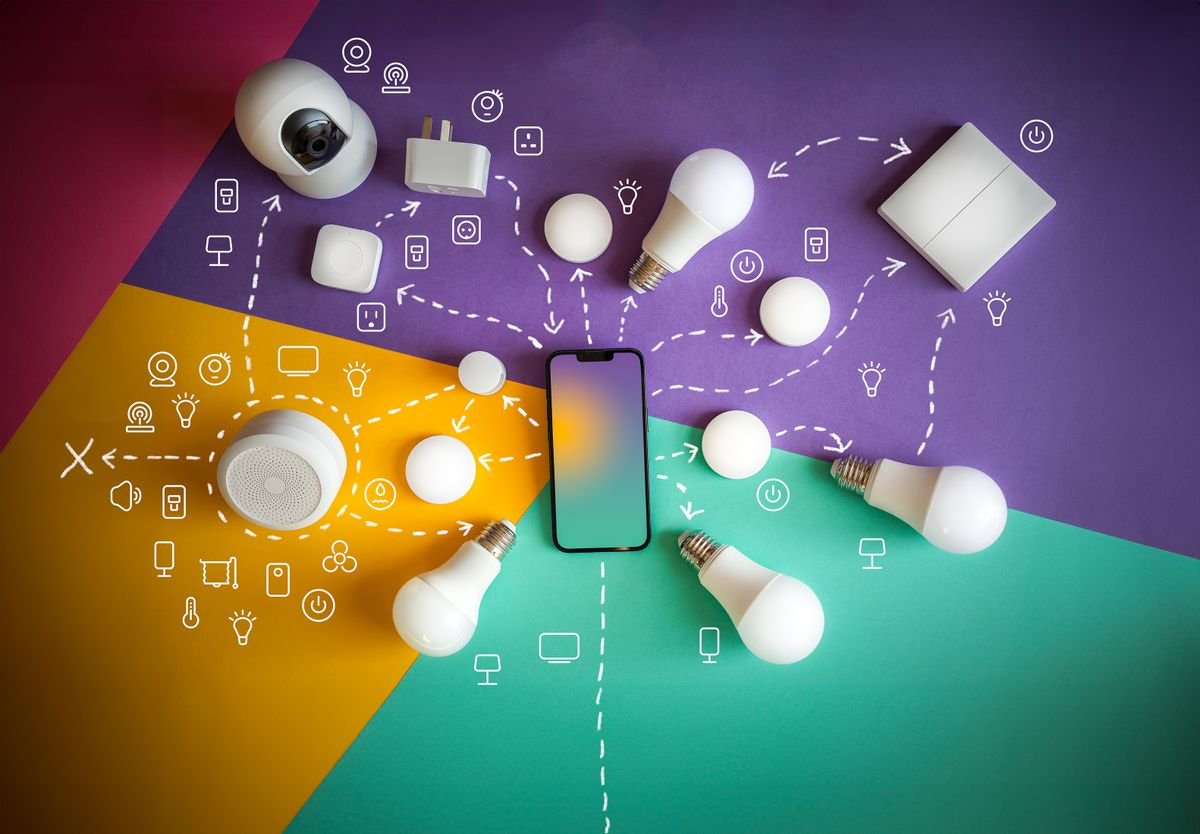
A smart plug is a small computer sitting between your wall outlet and your device. It watches three things: the schedule you gave it, the amount of power flowing through it, and its connection to your home network. When any one of those three things goes wrong, the plug protects itself by switching off. That is why the same symptom can have very different causes, and why guessing rarely works.
The three main points in this guide are simple. First, hidden schedules cause more surprise shutoffs than any hardware fault. Second, overload and heat cause the shutoffs that feel random but are actually tied to one heavy device. Third, network and software problems cause the shutoffs that come with offline messages, blinking lights, and app errors. Work out which group your problem belongs to and the fix becomes obvious.
Check Hidden Schedules and Routines First
Before you blame the plug, check every schedule attached to it. Open the plug app and look for timers, schedules, away modes, and energy saving modes. Then check the voice assistant app you use, whether that is Alexa, Google Home, or Apple Home. Routines live in more than one place, and a routine made months ago can still run every night at the same time.
This is the most common cause of a plug that turns off at exactly the same time each day. A bedtime routine that says turn off all bedroom plugs, a vacation mode that was never switched off, or a sleep timer on a lamp can all look like a fault. One forum user found their plug switching off at 5 in the afternoon every day, and the cause was a schedule they had forgotten they ever created.
Cloud routines are the sneaky part. Deleting the app from your phone does not always delete the routine, because routines often live on the maker’s servers rather than on your phone. Renaming the plug does not always help either, since some routines follow the device itself. The reliable fix is to open every app that can control the plug, list every routine that mentions it, and delete or pause each one. Then watch the plug for a full day before you declare the problem solved.
Places schedules hide
- The plug maker’s own app, under schedules, timers, or scenes
- Voice assistant routines, including goodnight and good morning routines
- Energy saving modes that switch plugs off during quiet hours
- Scenes shared by another person in your home, which you may never have seen
- Holiday or away modes left running after a trip
Overload, Heat, and Power Problems
Every smart plug has a maximum power rating, usually printed on the side in watts or amps. A typical plug handles around 15 amps, which covers lamps, fans, phone chargers, and most small appliances. It does not cover space heaters, large air conditioners, or workshop tools. When a device draws more power than the plug allows, the plug switches off to protect itself. That shutoff is a safety feature, not a fault.
Heat causes the same result through a different route. A plug squeezed behind heavy furniture, covered by a curtain, or sitting in direct sunlight can overheat, especially in summer. Many plugs have a temperature sensor that switches them off when they get too hot. If your plug feels warm to the touch and the shutoffs happen on hot afternoons, heat is a strong suspect. Move the plug into open air, keep it away from radiators and sunny windows, and see whether the problem fades.
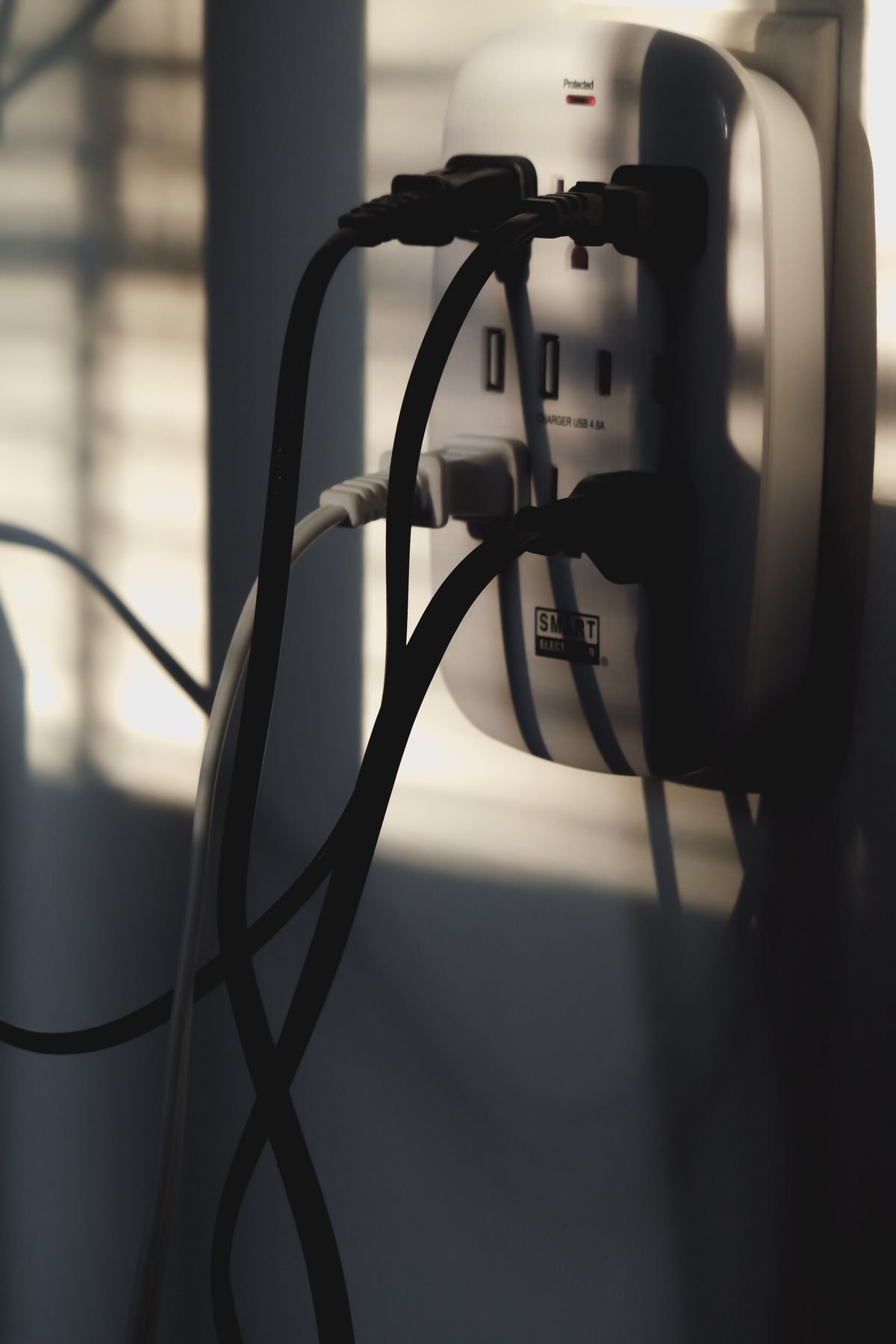
Loose outlets cause a third kind of power problem. If the plug wobbles in the outlet or slides out slightly under the weight of a heavy cord, the connection breaks for a fraction of a second and the plug resets. Try the plug in a different outlet, one that grips it firmly. If the problem follows the plug, the plug is at fault. If the problem stays with the outlet, the outlet itself may be worn and worth replacing. A similar idea applies to devices that shut down when they overheat, so if you enjoy this kind of hands on fix, our guide on why a laptop gets hot and shuts down covers the same heat logic in a different machine.
Wifi, App, and Firmware Troubles
Sometimes the plug is not really turning off at all. It is losing its wifi connection, and the app reports it as off or unreachable. This matters because the fix is different. A plug that blinks, shows offline in the app, or responds slowly is usually a network problem rather than a power problem.
Most smart plugs use only the 2.4 GHz wifi band, not the faster 5 GHz band. If your router merged both bands under one network name, the plug can struggle to stay connected, especially if it sits far from the router or behind thick walls. Moving the router closer, adding a wifi extender, or giving the 2.4 GHz band its own network name often steadies the connection. Our guide on why a TV keeps disconnecting from wifi explains the same weak signal problem in detail, and the same checks apply here.
Firmware bugs cause another group of mystery shutoffs. A firmware update can change default settings, switch on an energy saving mode, or introduce a bug that restarts the plug. Check the plug app for a firmware version and an update notice, and install any update the maker offers. If the shutoffs began right after an update, that timing is a clue worth noting before you contact support.
App glitches are the simplest software cause. Force close the app, sign out and back in, and check that the app has permission to run in the background. On some phones, aggressive battery saving settings kill the app’s connection to the plug, which makes schedules run late or not at all. If a soft reset is available, usually a short press of the button on the plug, try that before a full factory reset. A factory reset erases schedules and settings, so save a note of your routines first.
A Simple Fix Order That Saves Time
Work through these steps in order and stop as soon as the plug behaves. This order puts the fastest and most common fixes first, so most readers will not need the later steps.
- Open every app that controls the plug and delete or pause all schedules, routines, timers, and energy saving modes.
- Check the wattage of the connected device against the rating printed on the plug, and move heavy appliances to a regular outlet.
- Move the plug into open air, away from heat and sunlight, and try it in a different outlet that grips it firmly.
- Restart your router, wait until it is fully back online, then power cycle the plug by unplugging it for 30 seconds.
- Update the plug firmware, force close and reopen the app, and confirm the plug is on the 2.4 GHz wifi band.
- Do a soft reset first. Only do a factory reset if the earlier steps fail, and set the plug up fresh with a new name.
- If the plug still switches off with no device attached and no schedule set, contact the maker or replace it.
Power After an Outage: One Setting People Miss
After a power cut, some plugs return to their last state, some return switched on, and some return switched off. This setting, often called power on state, lives in the plug app and surprises people who expect the plug to behave the way it did before the outage. If your lamp stays dark after every storm or outage, check this setting before you assume the plug is dead. Also give the plug a few minutes after the router restarts, because a plug that starts before the router can fail to join the network and sit offline until it is power cycled.
When to Replace the Plug
Most shutoffs are fixable, but some plugs are simply finished. Replace the plug if it smells of burning, shows scorch marks, rattles when shaken, or switches off with nothing plugged into it and no schedule set. Also replace it if it only works in one outlet, or if it is years old and the maker no longer offers firmware updates. Smart plugs are inexpensive, and a fresh plug with current firmware is cheaper than weeks of guessing. Keep the receipt and the box for the first month, in case the replacement shows the same fault, which would point back to your wiring or network rather than the plug.
Final Takeaways
So why does my smart plug keep turning off? In most homes the answer is a hidden schedule you forgot, a device that draws too much power, heat building up behind furniture, or a wifi connection that keeps dropping. Check schedules first, then power and heat, then network and firmware, and work in that order. Most readers will find the cause in the first three steps, and the rest will have a clear answer by the time they reach a factory reset.
The habit that prevents repeat trouble is simple. Name your routines clearly, review them once every few months, keep heavy appliances off smart plugs, and give plugs open air and a strong wifi signal. Do that, and the lamp that went dark at 9 at night will stay on until you decide otherwise.
Frequently Asked Questions
Why does my smart plug turn off at the same time every day?
A schedule, routine, timer, or energy saving mode is almost always the cause. Check the plug app and every voice assistant app, including routines made by other people in your home, and delete or pause anything that mentions the plug.
Can a smart plug turn itself off for safety?
Yes. Overload protection switches the plug off when the connected device draws more power than the rating allows, and temperature protection switches it off when it overheats. Both are safety features, and both point to a real problem worth fixing.
Why does my smart plug keep going offline instead of turning off?
Going offline usually means a wifi problem rather than a power problem. Check the distance to the router, confirm the plug is on the 2.4 GHz band, restart the router, and power cycle the plug after the router is fully back online.
Will a factory reset delete my schedules?
Yes, a factory reset erases schedules, routines, and settings stored on the plug. A short button press is usually a soft reset that keeps settings, but the exact behavior varies by brand, so note your routines before you reset.
Is it safe to leave a smart plug on all the time?
Yes, provided the connected device stays within the plug rating, the plug has open air around it, and the outlet grips it firmly. Avoid space heaters and other heavy appliances, and replace any plug that smells of burning or shows scorch marks.
